

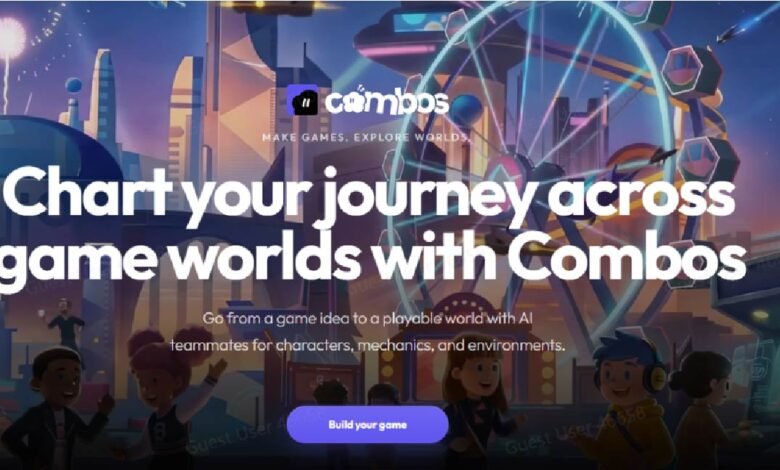
Game development used to begin with a steep climb. Before you built anything fun, you needed to understand a game engine, set up a development environment, learn a programming language, and then — only then — think about actually making a game. Most beginners quit somewhere in that setup phase, before they had even touched a game idea. The problem was not that they lacked creativity or commitment. The problem was that the entry point was designed for professionals, not first-timers.
The tools available today look completely different. An AI game maker designed for beginners removes every technical prerequisite so the creative work can start immediately. That shift matters enormously for who actually ends up making games.
What ‘Beginner-Friendly’ Actually Has to Mean in Practice
The phrase ‘beginner-friendly’ gets used loosely. A lot of tools that call themselves easy are still built around concepts that require prior knowledge to navigate. Truly beginner-friendly means three things: no required vocabulary from development, a clear path from starting to finished, and a result that actually looks and plays like a real game rather than a tech demo.
It also means the learning curve built into the tool itself should be as shallow as possible. Every extra step between “I have an idea” and “this is playable” is a point where a beginner might lose confidence and stop. The best tool for beginners is one that makes the first win feel inevitable rather than hard-earned.
Key Advantages for First-Time Creators
-
Zero coding required: No need to learn programming languages (e.g., C#, Python) or understand game engine syntax — just describe your idea in plain English, and the AI handles the rest.
-
No setup or installation: Access combos.fun directly in your web browser, with no account setup friction, no software downloads, and no complex development environment to configure.
-
Ultra-fast prototype generation: Go from a simple idea to a playable prototype in minutes, not hours or days — perfect for beginners who want instant feedback on their ideas.
-
Guided, intuitive workflow: Boo’s guided questions and pre-built templates take the guesswork out of game design, ensuring a clear path from start to finish even for those with no experience.
-
Visual no-code editing: Refine your game with a simple, visual editor — no technical knowledge needed to adjust mechanics, swap assets, or tweak difficulty.
Making Your First Game on Combos as a Complete Beginner
Combos Fun was built for exactly this kind of creator. Here is how a complete beginner gets from zero to first published game.
Step 1: No Setup Required
Go to combos.fun — no account setup friction, no engine installation required. You are in the creation interface immediately.
Step 2: Pick a Template
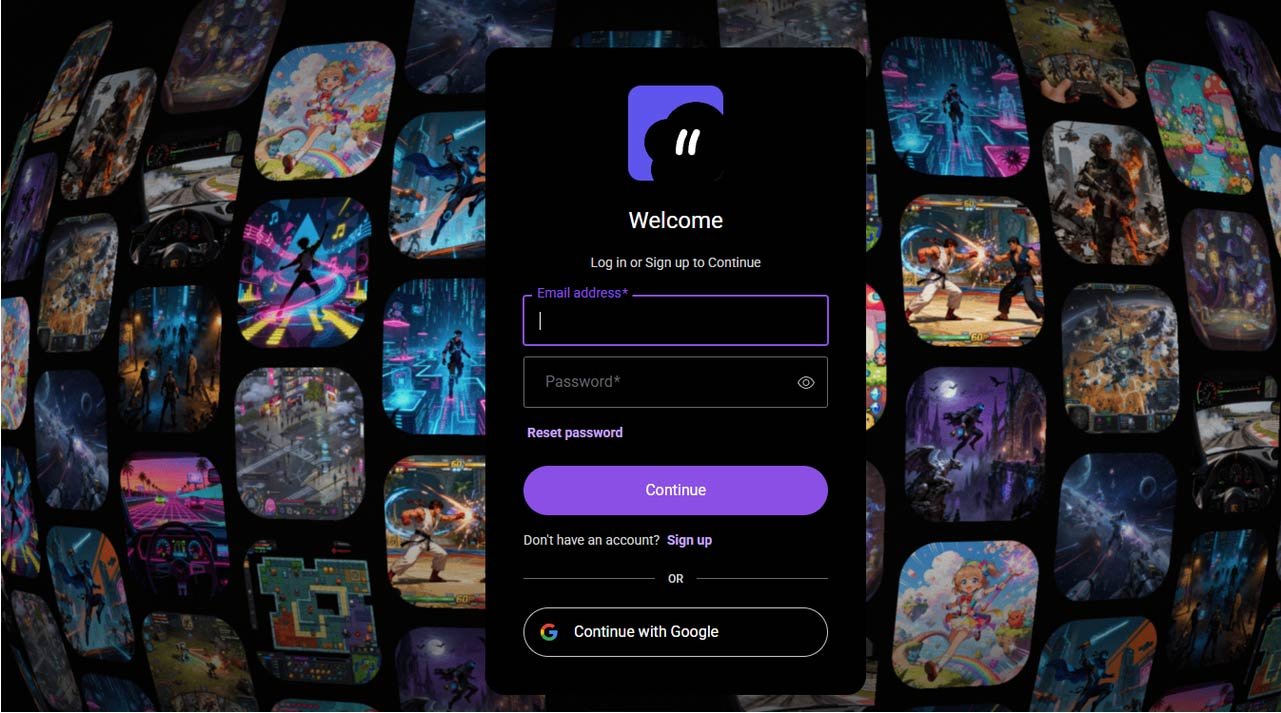
Pick a template such as 2D Platformer, 3D Game, or Narrative, or describe your own idea from scratch. Templates are a smart starting point for beginners because they handle the structural decisions while leaving the creative ones open.
Step 3: Answer Boo’s Questions
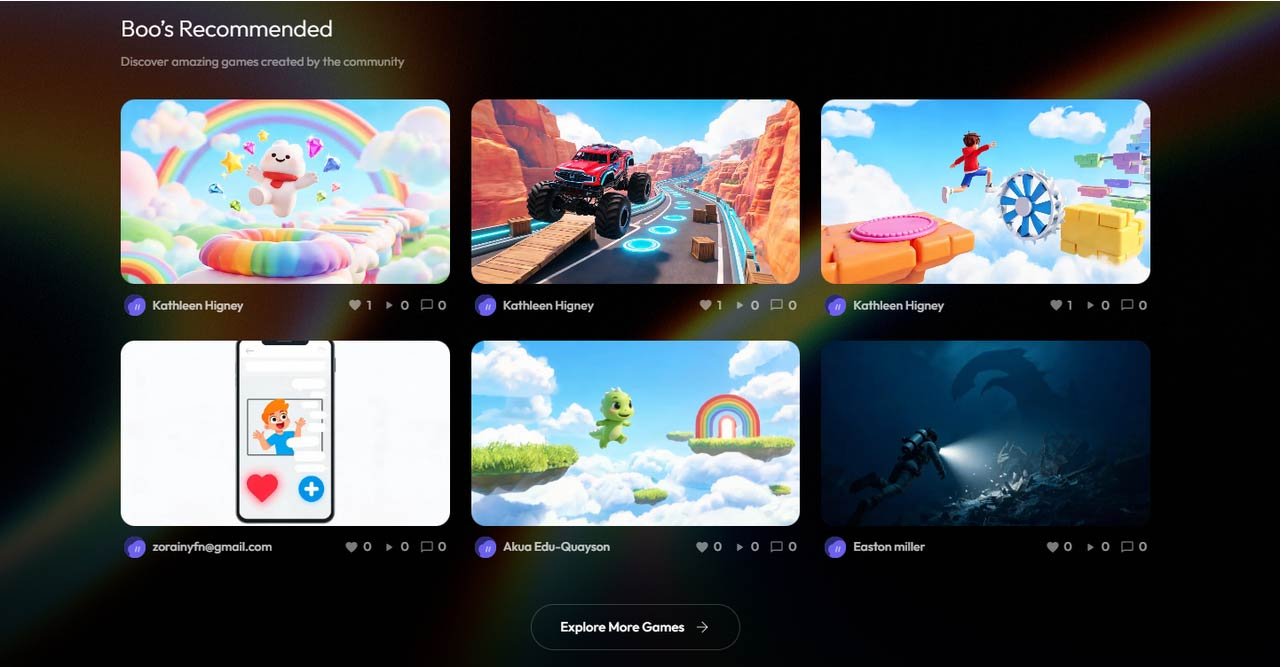
Walk through Boo’s guided questions about theme, style, and mechanics. Answer in plain English — there is no correct format, and no wrong answer at this stage.
Step 4: Play Your Prototype
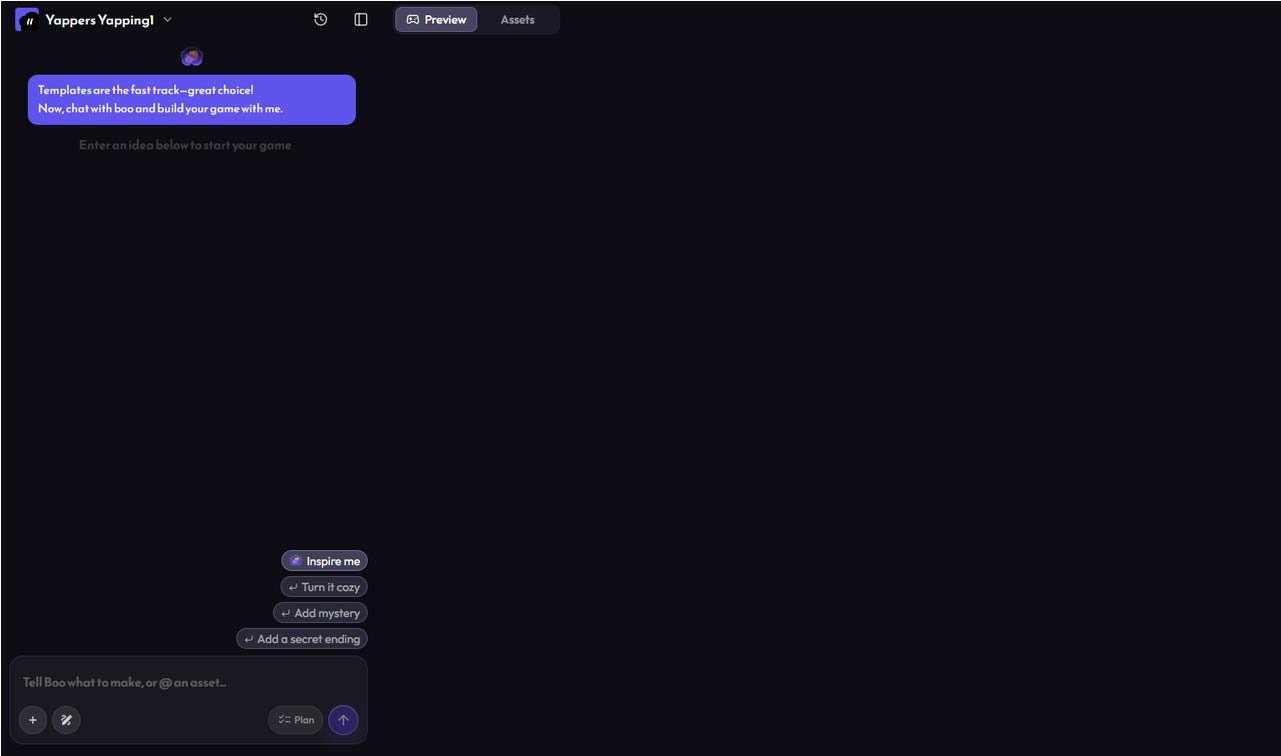
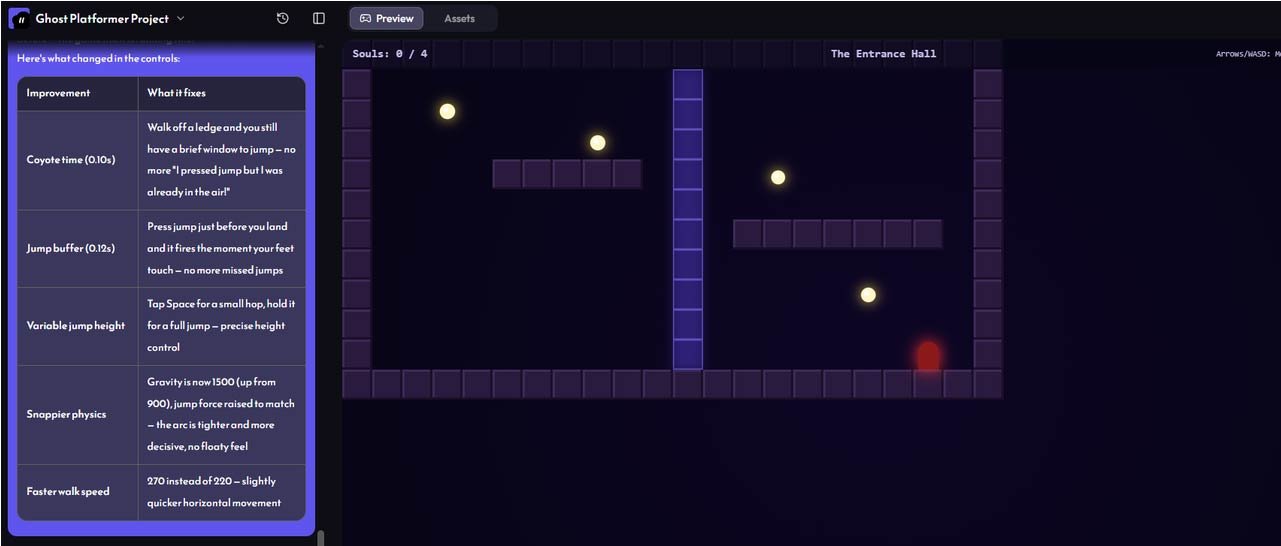
Your first playable prototype is ready in minutes. Share it immediately or keep refining — both are valid choices. The important thing is that you now have something real.
Where Combos Stands Apart for First-Time Creators
Several platforms claim to make game creation accessible. Combos stands apart for beginners because of how its AI game agent Boo, handles the interpretation stage. Rather than forcing you to select from fixed options, Boo reads natural language and converts it into a structured game design. That means you can describe what you want in the same way you would explain it to a friend, and the system figures out the technical translation.
The no-code editor that follows is also genuinely accessible. It is visual, direct, and does not require you to understand what is happening under the surface to make meaningful changes. For a beginner, that combination of natural language input and visual editing output creates a workflow that feels creative rather than technical from start to finish.
Common Beginner Mistakes and How Good Tooling Prevents Them
Beginners tend to make the same set of mistakes regardless of which tool they use — and good tools are designed to minimise the damage. The most common is scope creep: starting with a simple idea and expanding it until the project collapses under its own weight. A good AI game maker keeps this in check by anchoring the project to a Game Design Document that defines scope before building begins.
The second common mistake is over-refining before the game is playable. Beginners often get stuck adjusting assets or tweaking menus before they have a working game loop. Combos prevents this by generating a playable prototype first, forcing the creator to engage with the actual game before worrying about polish. This sequence — play first, refine second — produces better games and fewer abandoned projects.
Your First Game Is Closer Than You Think
If you have been putting off making a game because you assumed you needed to learn to code first, that assumption is no longer valid. The tools exist today to go from an idea to a published game without writing a single line of code, without installing any software, and without any prior experience in game development. The creative part — the idea, the tone, the feeling you want players to have — is what you bring. Everything else is handled.
Conclusion
Beginner-friendly is not just about simplicity — it is about making the path to a finished game feel clear and achievable from the first moment. Combos delivers that in a way most tools do not. If this is your first time trying to make a game, start here. You will have something playable before the day is out.